
February 12, 2026
Midcon MD10 Password – Device Lock Feature
Midcon MD10 User Password – Device Lock Feature
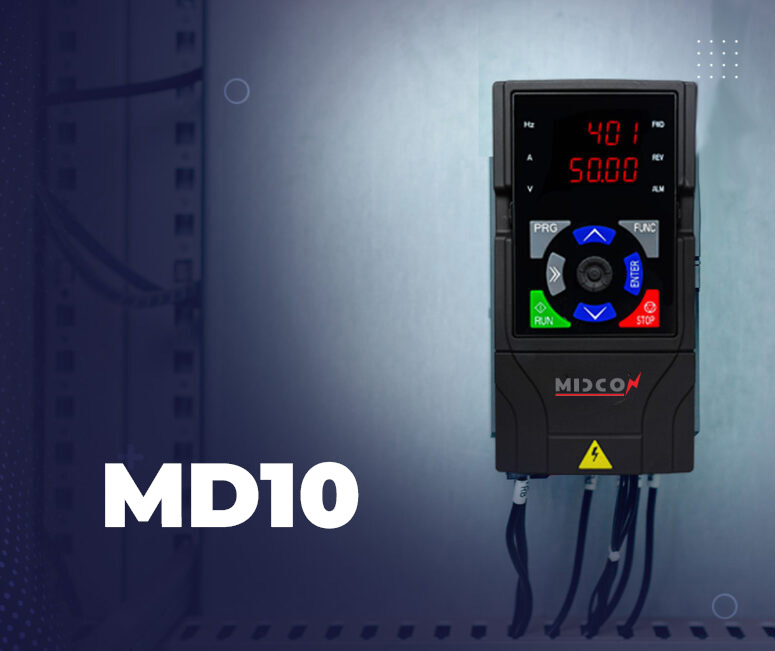
The Midcon MD10 devices include several advanced features designed to improve operational efficiency and protect system settings. One of the most important features is the User Password function, which allows the device to be locked with a password to prevent unauthorized changes to its parameters.
In many industrial control systems, modifying device parameters without proper knowledge can affect system performance or even cause operational faults. For this reason, the Midcon MD10 provides a simple and effective security feature that allows users to set a 4-digit password. Once activated, this password prevents any unauthorized person from modifying the device parameters.
Importance of Using the Password Feature
Using the password protection feature helps to:
•Protect device settings from accidental modification.
•Prevent unauthorized personnel from changing operating parameters.
•Maintain system stability and reliable performance.
•Reduce the risk of faults caused by incorrect parameter adjustments.
This feature is particularly useful in industrial environments or facilities where multiple operators may have access to the same equipment. It ensures that the device settings remain exactly as configured by the responsible engineer or technician.
How to Set the Password on Midcon MD10
Activating the password feature is simple and can be done through the following steps:
1.Access parameter 00.23 from the device menu.
2.Press Enter to open the password setting option.
3.Choose a 4-digit password.
4.Press Enter again to confirm the password.
Once these steps are completed, the password will be saved in the device.
Password Activation
After setting the password, the device will automatically activate the lock after approximately 3 minutes. Once the lock is activated, no parameters can be modified unless the correct password is entered.
This ensures that only authorized personnel can access and change the device settings.
Important Note
It is recommended to write down the password and keep it in a safe place to avoid forgetting it. Losing the password may require technical assistance to regain access to the device settings.
The User Password feature in Midcon MD10 devices is an important tool that helps protect system configurations and ensures safer and more stable operation in various industrial applications