
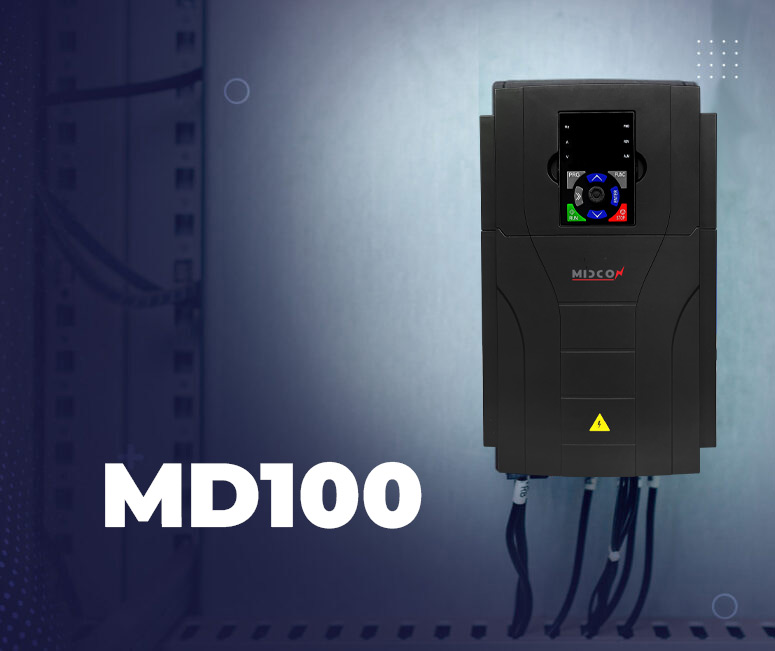
Midcon MD100 Parameter Initialization
The MIDCON MD100 inverter provides a Parameter Initialization function that allows the user to restore the device settings or clear stored records when needed. This feature is useful during troubleshooting, system reconfiguration, or when returning the inverter to its original factory settings.
The initialization process is performed using parameter 14.12, which provides several options depending on the required action.
Parameter Initialization Settings
The 14.12 parameter includes the following options:
0 = No Change
When this value is selected, no action will be taken and all parameters will remain unchanged.
1 = Factory Reset (Except Motor Parameters)
Selecting this option will restore the inverter to its factory default settings, while keeping the motor parameters unchanged.
This option is useful when the user wants to reset the device settings but keep the previously configured motor data.
2 = Full Factory Reset
This option restores all parameters in the inverter to their original factory settings, including the motor parameters.
It is typically used when the device needs to be completely reset before a new configuration or installation.
3 = Clear Fault Record
Selecting this option will erase the stored fault history (Fault Record) from the inverter memory.
This allows the user to clear previous fault logs and start a new fault monitoring record.
Importance of Parameter Initialization
The Parameter Initialization feature in MIDCON MD100 helps users easily manage device settings, especially during maintenance, troubleshooting, or system setup. It ensures that the inverter can be quickly restored to a known configuration, improving reliability and simplifying the commissioning process.
Before performing a full reset, it is recommended to record important parameter values, especially motor settings, to avoid the need for reconfiguration later.